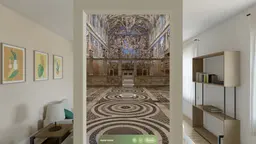
Apple Vision Pro
Stand inside, at true size.
The WOW app for Apple Vision Pro is in testing. Coming soon
Quiet Interiors: Vermeer to Degas
1-Tap Vision Pro & AR Quick Look Room · 7 Masterworks (11 MB)
 Open 3D Room (.usdz) ↗
Seurat: A Sunday on La Grande Jatte
1-Tap Vision Pro & AR Quick Look Room · Full-Scale Study (2.6 MB)
What the app does



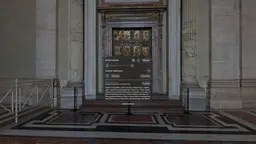
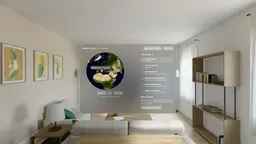
1-Tap Spatial Room, Safari WebXR & Native App
Tap any 1-Tap Spatial Room (.usdz) above in Safari on Apple Vision Pro to open the 3D gallery at true scale in your space immediately, or open any room and tap Enter VR. The full multi-window native visionOS app (with iPad and iPhone support) is in TestFlight testing.
Enter VR in Meta Quest Browser
Open wow.hopperlabs.ai in Meta Quest Browser and tap Enter VR inside any of the 25 real places or 24 3D museum galleries. Use the thumbstick to walk freely across gallery floors or step between viewpoints, and pull the trigger on any painting to study it up close.
Touch Walk Pad, Guided Tours & AR Quick Look
Every room opens with touch look, an on-screen 4-way Free-Walk pad (↑ ← → ↓), and stop-by-stop Guided Tours. Tap Share → Add to Home Screen in Safari for a full-screen app icon, or tap a 1-Tap Room above to walk inside it in AR Quick Look.
Full-Screen Touch Walk, Guided Tours & Home Screen App
Open any place or 3D gallery in Chrome on Android to walk freely with the on-screen touch walk pad, take curated guided tours with audio, or tap Menu → Add to Home screen to install WOW on your home screen.